
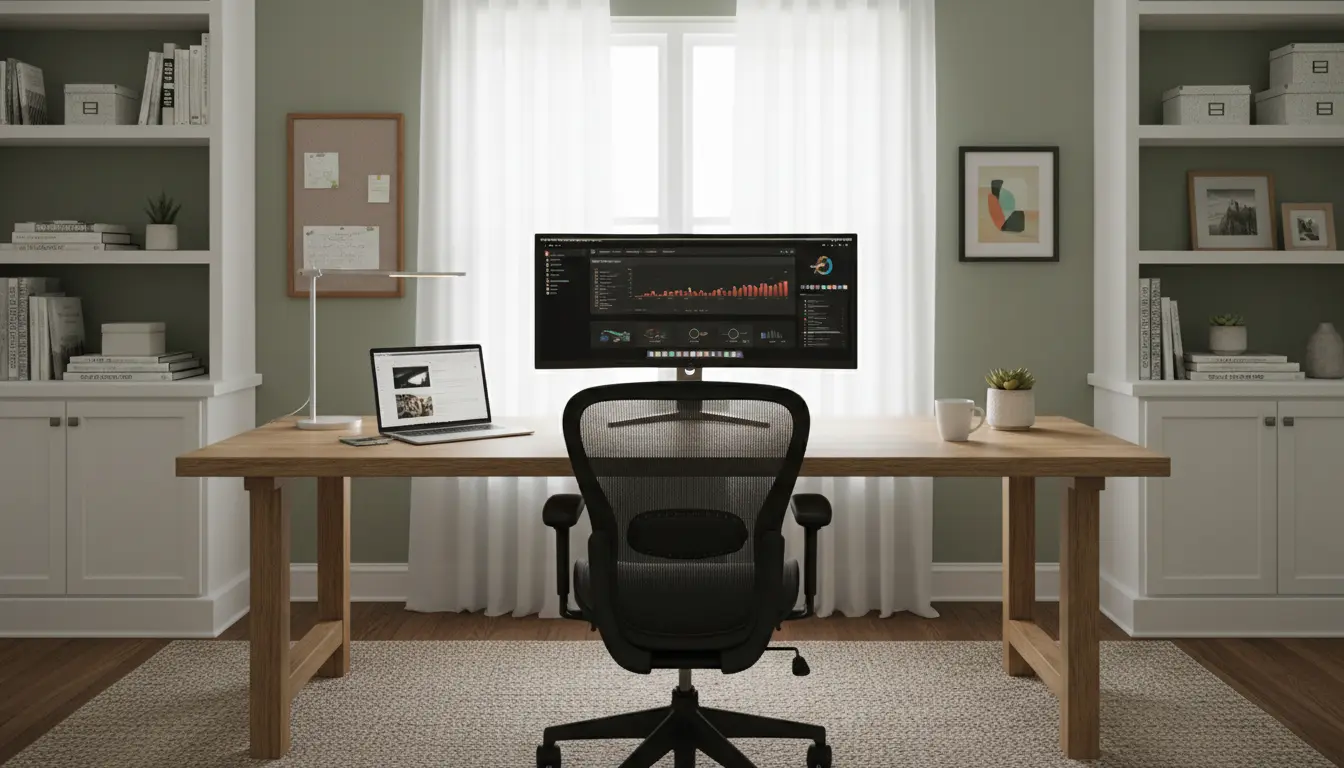
Setting up a functional home office setup for remote work improves comfort and productivity. This guide gives practical, step-by-step instructions you can apply whether you have a spare room or a corner in your living space.
Why a Good Home Office Setup Matters
A thoughtful home office reduces physical strain and helps you focus. It also signals a work boundary to others in your household, which supports consistent work hours and fewer interruptions.

Investing time in the right layout and tools yields measurable gains in output and well-being over weeks and months.
Essential Elements of a Home Office Setup for Remote Work
Every effective workspace includes a reliable foundation. Focus on these core elements first:
- Ergonomic desk and chair
- Stable, high-speed internet
- Appropriate lighting and acoustics
- Essential hardware and peripherals
- Organization and accessible storage
Desk and Chair
Choose a desk at a height that allows your forearms to be parallel to the floor when typing. If space is limited, a wall-mounted or foldable desk can work well.

A chair with lumbar support and adjustable height reduces back and neck pain. Consider a sit-stand desk or a converter to vary posture throughout the day.
Lighting and Noise Control
Natural light is ideal but avoid glare on screens. Position your desk perpendicular to windows when possible.
For acoustic control, add rugs, curtains, or soft furnishings. Noise-cancelling headphones are a practical solution for busy environments.
Connectivity and Hardware

Reliable internet is non-negotiable. Aim for a wired Ethernet connection for video calls or a high-quality Wi‑Fi mesh system if cabling isn’t practical.
Essential hardware includes: a laptop or desktop, external monitor(s), a quality webcam, an external microphone or headset, and a keyboard and mouse suited to your hands.
Organization and Ergonomics
Keep frequently used items within arm’s reach and use vertical space for storage. Labelled bins and cable management reduce clutter and save time.
Adopt simple ergonomic habits: screen at eye level, knees at 90 degrees, and regular micro-breaks for stretching.
Step-by-Step Guide to Building Your Home Office Setup
Follow these steps to create a functional workflow-focused space quickly.
- Choose the location: prioritize quiet and natural light where possible.
- Measure the space and pick appropriately sized furniture.
- Install reliable internet and test video/audio equipment.
- Arrange lighting to minimize screen glare and eye strain.
- Set up ergonomics: monitor height, chair adjustments, and keyboard placement.
- Organize cables and storage to reduce distraction.
- Create a routine: defined start and end times, scheduled breaks, and a daily task list.
Budget Options for a Home Office Setup for Remote Work
Here are three realistic setups depending on your budget and needs.
- Low budget (under $300): Basic desk, secondhand ergonomic chair, inexpensive monitor or laptop riser, wired internet where possible, and cable clips for organization.
- Mid-range ($300–$1,000): New ergonomic chair, mid-size monitor, good webcam and headset, desk with storage, and improved lighting like a daylight lamp.
- Premium ($1,000+): Electric sit-stand desk, high-end ergonomic chair, dual monitors, professional microphone, and a Wi‑Fi mesh or business-grade router.
Small Real-World Case Study
Sara, a freelance graphic designer, converted a 7×8 ft guest corner into a home office. On a $700 budget she bought a sturdy desk, a refurbished ergonomic chair, a 27-inch monitor, and a good LED lamp.
Within two weeks she reported fewer backaches and a 20% increase in billable hours. Improved lighting and a second monitor cut her file-editing time in half.
Practical Tips and Quick Wins
Small changes often deliver immediate benefits. Try these quick wins to improve your home office setup for remote work:
- Raise your monitor with a stack of books until it reaches eye level.
- Use a dedicated router channel or connect by Ethernet for stable video calls.
- Batch notifications and schedule focused work blocks using a timer.
- Keep a water bottle within reach to stay hydrated and take micro-breaks hourly.
Checklist Before You Start Working
Use this checklist to ensure the space supports productive remote work.
- Desk and chair adjusted for ergonomics
- Strong and stable internet connection
- Good lighting and minimal glare
- Organized cables and storage
- Backup plan for power or connectivity outages
Creating an effective home office setup for remote work is a process, not a one-time purchase. Start with core ergonomic and connectivity improvements, then refine layout and accessories based on how you work. Small, consistent changes produce the largest returns in comfort and productivity.