
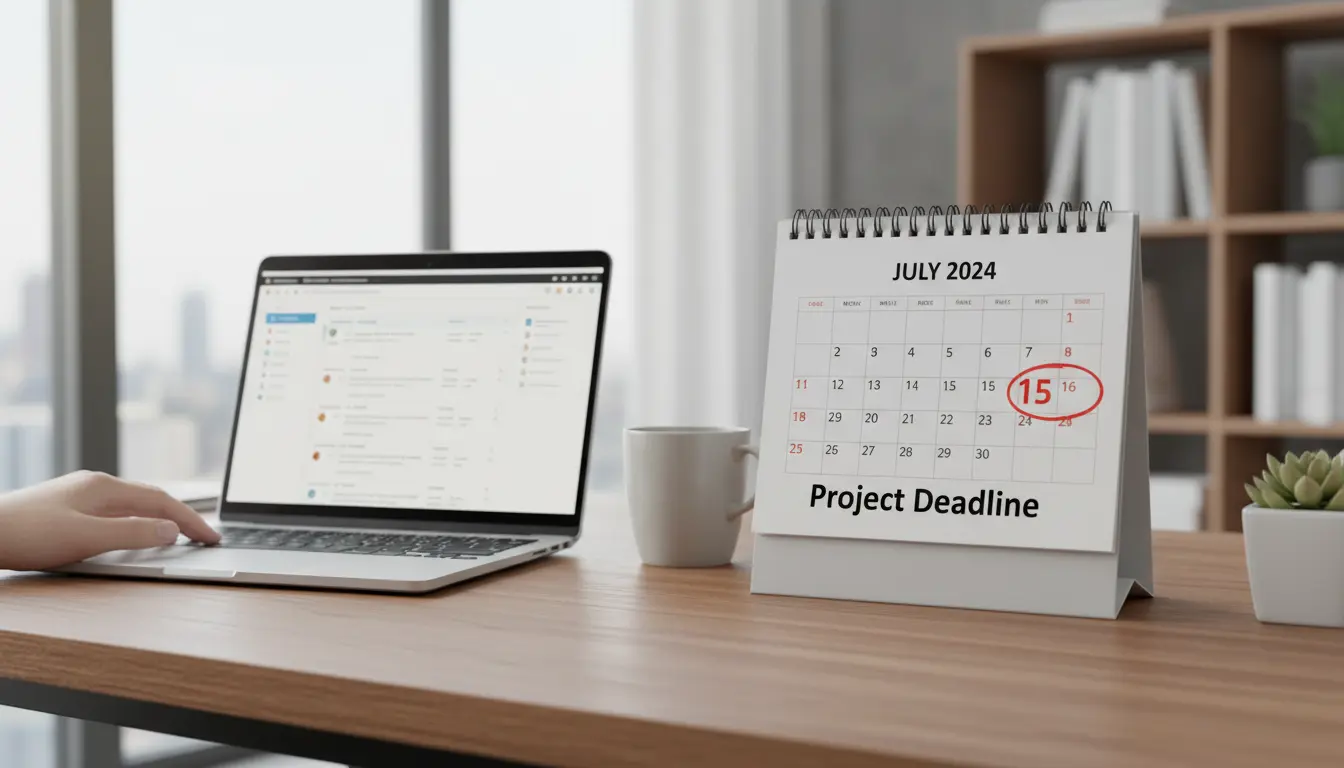
Most teams and creators miss deadlines or publish inconsistent posts because they lack a clear plan. A content calendar solves that by turning ideas into repeatable, scheduled actions.
What Is a Content Calendar and Why Use One
A content calendar is a schedule that maps content topics, formats, and publishing dates across channels. It helps you coordinate team tasks, keep messaging consistent, and track performance.

Using a content calendar reduces last-minute work and ensures you publish the right content for campaigns, seasons, and audience needs.
Benefits of a Content Calendar
- Improves consistency across platforms and channels.
- Helps allocate resources and avoid last-minute rushes.
- Makes it easier to measure what works by linking content to goals.
- Supports repurposing and planning around events or launches.
How a content calendar supports SEO
Planning topics and keywords in advance keeps your site fresh and focused. A content calendar lets you sequence posts so related pages can link to each other for better search visibility.
How to Create a Content Calendar: Step-by-Step
1. Define goals and audience
Start by listing 2–3 measurable goals: increase organic traffic, boost leads, or improve engagement. Then define the primary audience for your content.

Goals inform frequency, formats, and distribution channels for your calendar.
2. Choose channels and content types
Decide where you will publish: blog, email newsletter, social platforms, or YouTube. For each channel select content types: how-to posts, case studies, short videos, or newsletters.
- Blog: long-form articles, guides
- Social: short posts, image carousels, reels
- Email: weekly roundup, offers
3. Create a simple template for your content calendar
At minimum include columns for publish date, channel, topic, format, owner, status, and keywords. Use a spreadsheet or a calendar tool to view timelines at a glance.

Example columns:
- Date
- Title/Topic
- Format
- Channel
- Assigned to
- Status (Idea, Draft, Ready, Published)
- Primary Keyword
4. Plan cadence and capacity
Set realistic publishing frequency based on your team’s capacity. Better to publish one high-quality post consistently than multiple low-quality items irregularly.
Tip: start with weekly or biweekly posts and scale up after establishing a workflow.
5. Build workflows and checkpoints
Define who drafts, edits, approves, and publishes each item. Add checkpoints for SEO review, image selection, and scheduling social posts.
Automation can help. Use scheduling tools to publish across channels and notify team members when tasks change status.
Tools and Templates for a Content Calendar
Pick a tool that fits your team size and workflow. Common choices include spreadsheets, Trello, Asana, Notion, and dedicated content calendar tools.
Consider these options:
- Google Sheets — simple, shareable, flexible
- Trello or Asana — visual boards with task assignments
- Notion — integrated notes, database, and calendar views
- CoSchedule or ContentCal — built for marketing teams and social scheduling
Editorial Tips for a Better Content Calendar
- Batch tasks: research several topics at once, then write in blocks to reduce context switching.
- Repurpose high-performing content into different formats to extend reach.
- Link content pieces to business goals and track conversions with UTM tags.
- Review performance monthly and adjust topics and cadence accordingly.
Publishing consistently can increase return traffic by up to 50 percent over six months for small sites when paired with quality content and keyword targeting.
Small Case Study: Local Bakery Used a Content Calendar
A small bakery in Austin started a content calendar to promote weekly specials and baking classes. They planned two Instagram posts per week, one blog post per month, and a monthly newsletter.
Within three months the bakery saw a 30% increase in social engagement and a 12% rise in class signups. The calendar helped them plan seasonal promotions and reduced last-minute content creation.
Key changes they made:
- Dedicated one person for scheduling and captions
- Reused blog recipes for newsletter content
- Kept a two-week planning buffer so posts were ready ahead of time
Quick Checklist to Start Your Content Calendar
- Set 2–3 content goals and identify your audience.
- Select channels and content types you can sustain.
- Create a simple template with dates, owners, and status.
- Assign roles and add review checkpoints.
- Review performance monthly and iterate.
Creating a content calendar is a practical step toward consistent publishing and better team coordination. Start small, measure results, and adjust your plan as you learn what resonates with your audience.